App Store Connect API Setup
Complete guide to obtain API credentials for iOS app management
Secure API Access
Time Required:15-20 minutes
Prerequisites
- Active Apple Developer Account with Admin or Account Holder role
- Access to App Store Connect
- Your app must be created in App Store Connect
1
Access App Store Connect
Navigate to App Store Connect and sign in with your Apple Developer account.
Open App Store Connect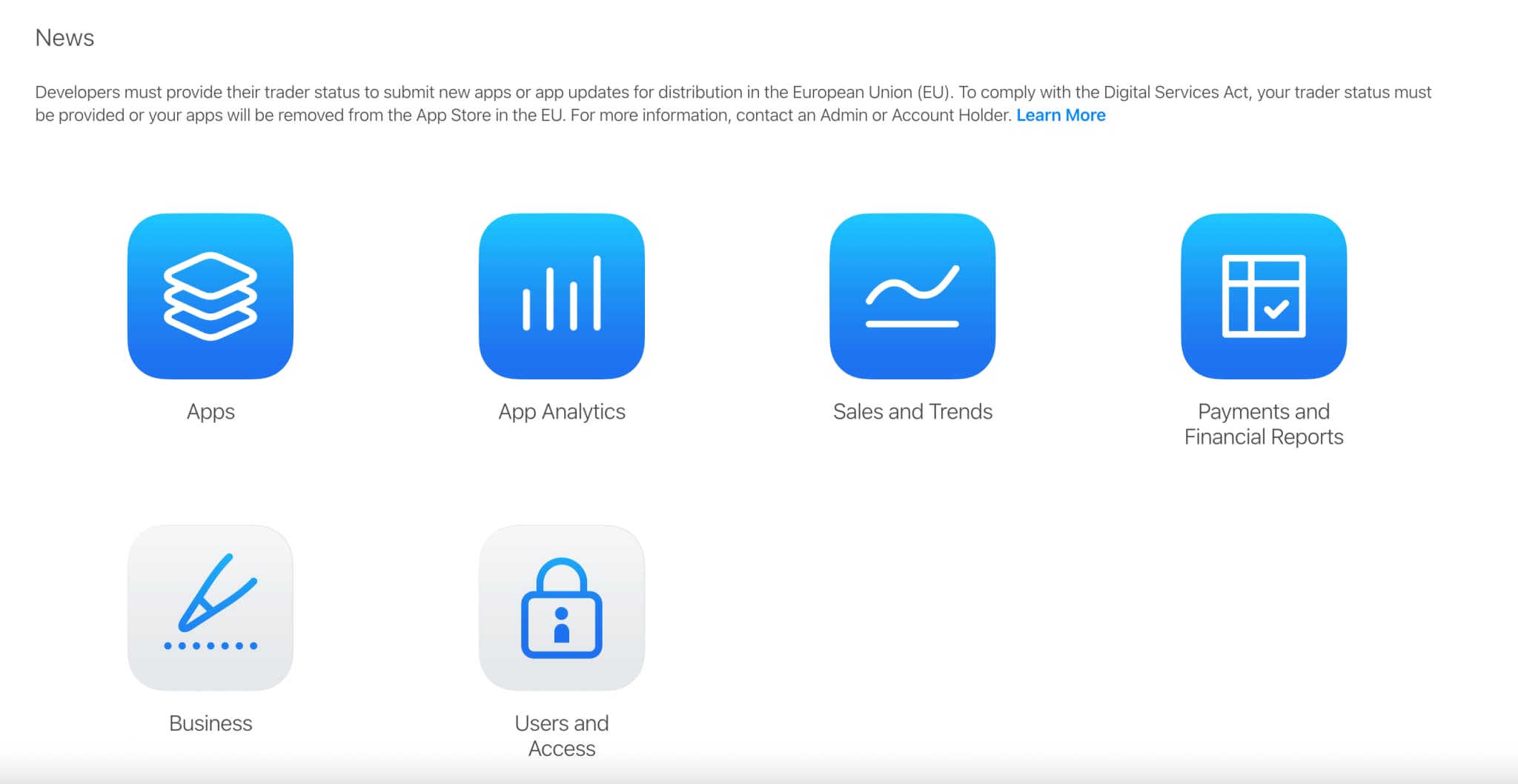
2
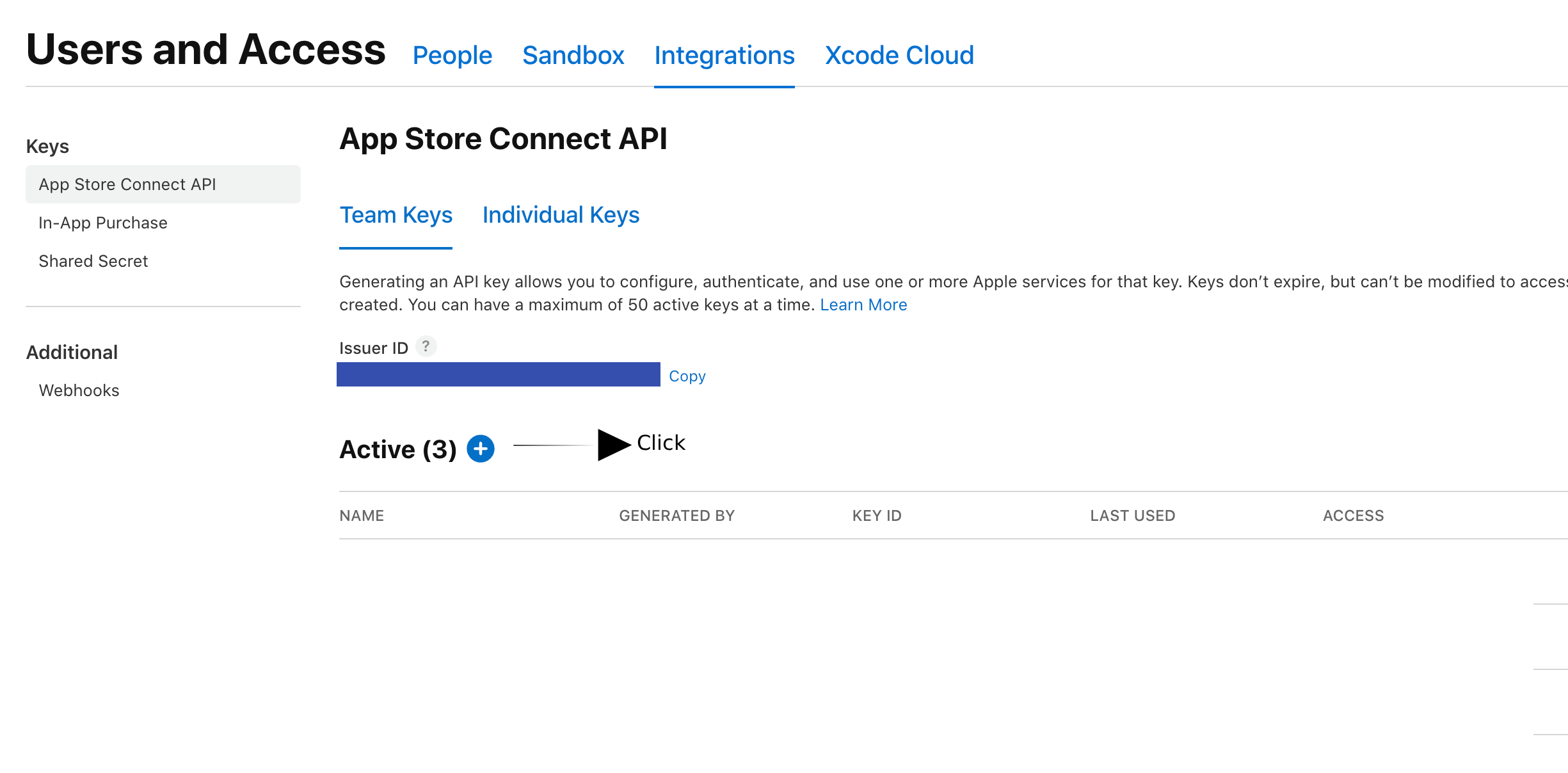
Navigate to Users and Access
- 1Click on your account name in the top-right corner
- 2Select "Users and Access" from the dropdown menu
Note: You need Admin or Account Holder role to create API keys
3
Access API Keys Section
- Click on the "Keys" tab in the navigation
- Select "App Store Connect API" section
- Click the "+" button or "Generate API Key" to create a new key
4
Create New API Key
Give your key a descriptive name
5
Download and Save Your Credentials
Important Security Notice
You can only download the private key once. Store it securely - you cannot retrieve it again!
69a6de96-xxxx-xxxx-xxxx-xxxxxxxxxxxxABCD123456AuthKey_ABCD123456.p8
6
Add Credentials to AppDrift
- 1
Go to your AppDrift dashboard
- 2
Navigate to your iOS app settings
- 3
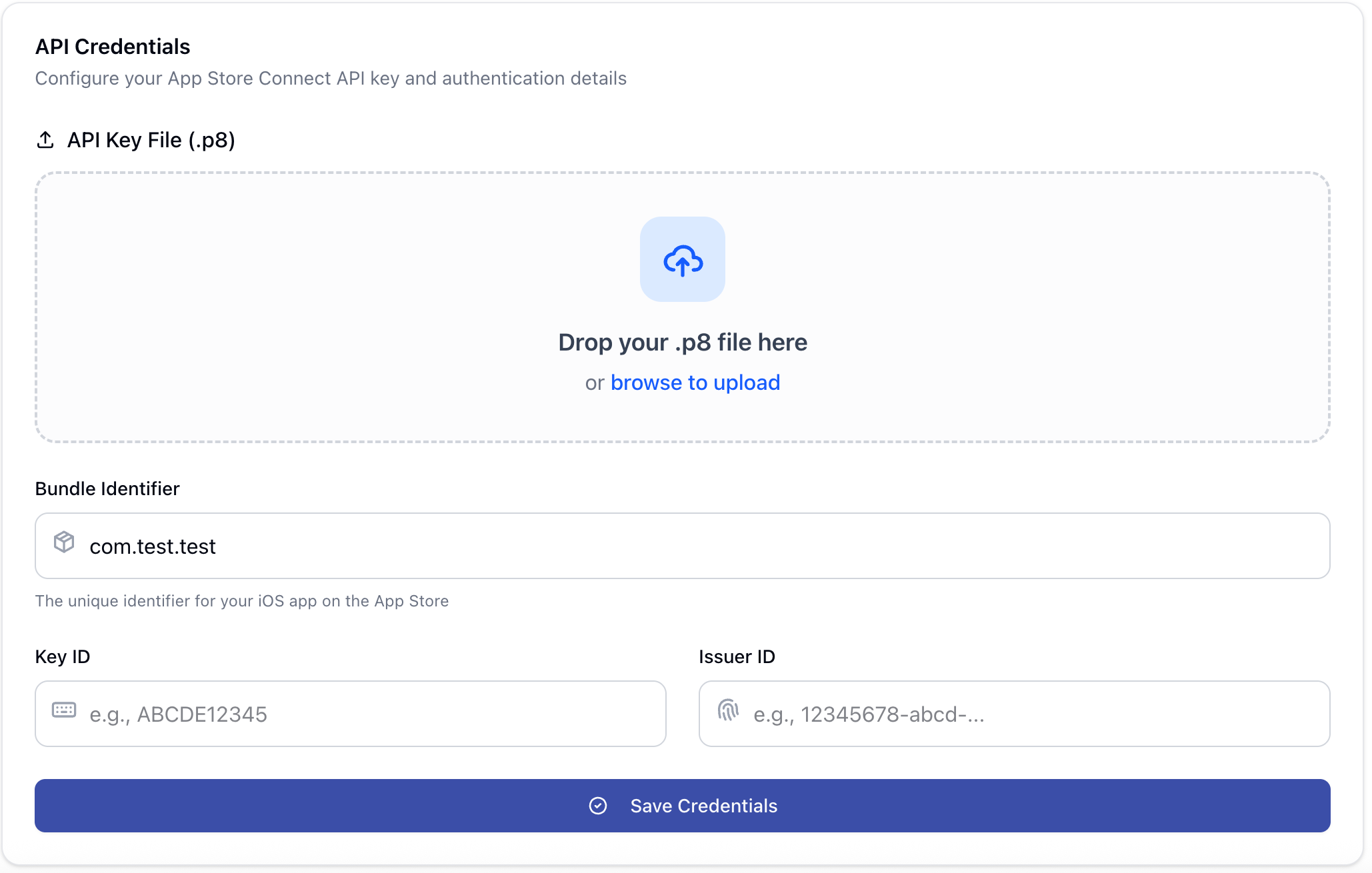
Click on "Credentials" tab
- 4
Enter your Issuer ID, Key ID, and upload the .p8 file
- 5
Click "Verify & Save" to test the connection
Security Best Practices
- Never share your private key (.p8 file) or commit it to version control
- Store credentials in a secure password manager
- Rotate API keys periodically (recommended every 6 months)
- Revoke unused API keys immediately
Common Issues
"Invalid credentials" error in AppDrift
- • Verify you've entered the correct Issuer ID and Key ID
- • Ensure you've uploaded the correct .p8 file
- • Check that the key role supports the action you need; do not grant Admin solely to troubleshoot authentication
- • Confirm the key hasn't been revoked in App Store Connect
Cannot create API key
- • Verify you have Admin or Account Holder role
- • Check if you've reached the maximum number of API keys (50)
- • Ensure your Apple Developer account is active and in good standing
Lost private key file
Unfortunately, Apple doesn't allow re-downloading private keys. You'll need to:
- 1. Revoke the existing API key in App Store Connect
- 2. Create a new API key following the steps above
- 3. Update the credentials in AppDrift
Next Steps
Great! You've successfully configured App Store Connect API access. Here's what to do next: