App Store & Google Play localization
Translate your app store listing.
Turn your existing listing into editable drafts in 60+ languages. Review titles, descriptions and local keyword wording together before sending an update to the store.
Free to start · No credit card required
Interactive example
Explore sample translations
Switch between four prepared examples, including right-to-left text. This demo uses sample content; it does not make a live translation request.
Global reach
Choose the markets your app supports
These figures describe supported language and storefront scope, not measured audience reach or a ranking result.
Languages
Countries
How it works
From your source listing to reviewed translations
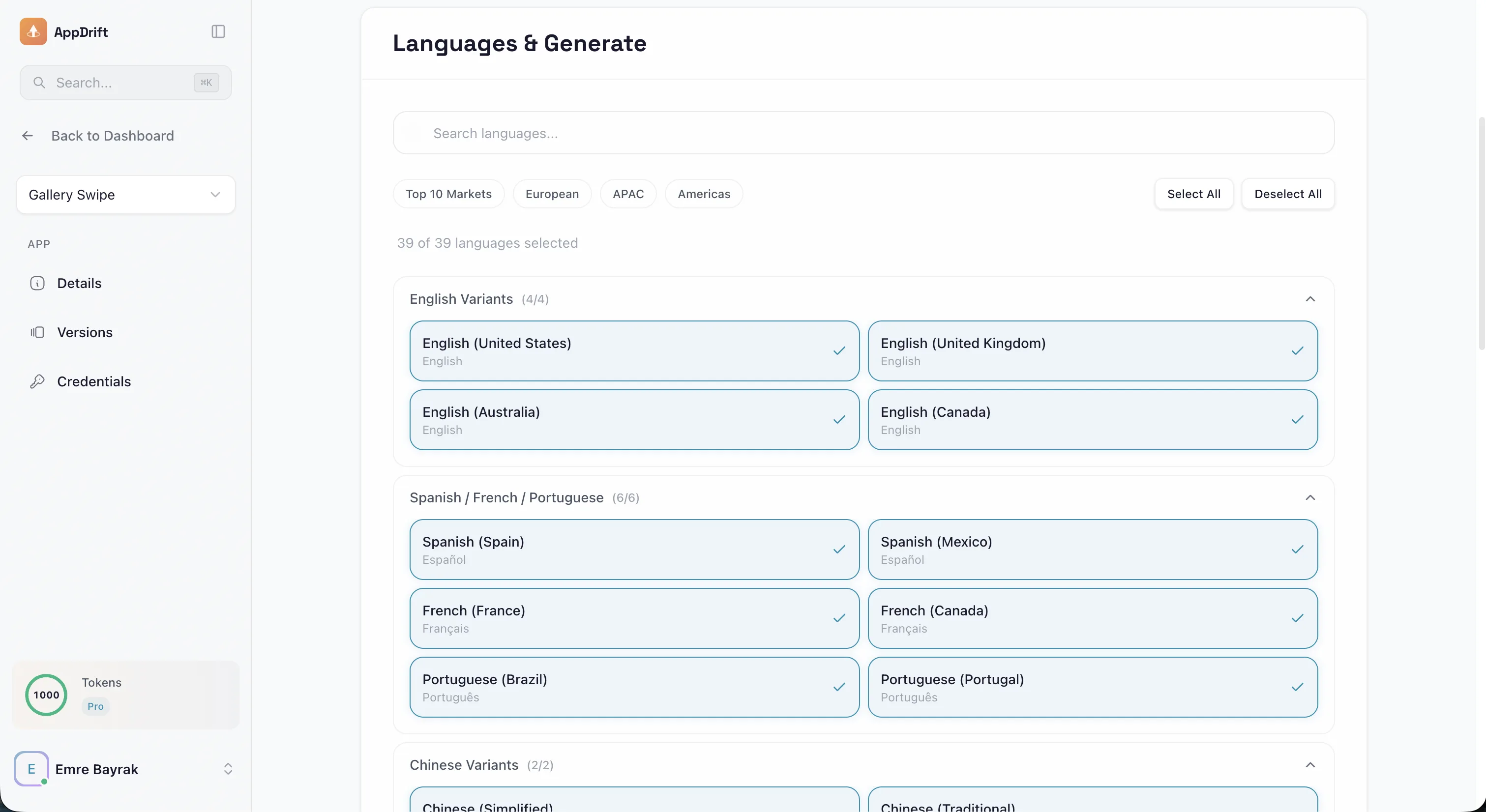
Choose the languages your app supports, review each draft, then decide which changes to send.
Import Metadata
Copy your existing App Store or Google Play listing into AppDrift.
Select Markets
Choose target countries and languages for AI translation.
Translate the listing
Prepare editable drafts in your selected languages, using your app context and available store-autocomplete research.
Review & Send
Check meaning, local terminology and field lengths. Sending reviewed text to a connected store is a separate paid action.
ASO features
Tools for reviewing a localized listing
Research and drafting tools for reviewing a localized store listing.
Local keyword research
Available store-autocomplete suggestions inform candidate wording. Results may be cached or unavailable; they are not Apple Ads popularity or measured search volume.
AI Context Understanding
Uses your app context when drafting translations. Review features, terminology and meaning in each target language.
Title Optimization
Drafts titles with field-length checks. Both stores allow 30 characters; validate the final localized text before submission.
Description Crafting
Prepares editable descriptions from your app information and target locale. Review claims and clarity before publishing.
Cultural Adaptation
Drafts localized wording for your review. Ask a fluent speaker to check tone and relevance for the intended audience.
Brand Consistency
Review brand wording and terminology across 60+ supported languages before synchronizing the listing.
Global coverage
Languages grouped by region
Highlights by region — see all 60+ languages on the supported languages page.
Americas
4 languagesEnglish · Spanish · Portuguese · French (CA)
Europe
10 languagesFrench · German · Italian · Dutch · Swedish · Polish · Norwegian · Danish · Finnish · Greek
Asia
9 languagesJapanese · Korean · Chinese (Simplified) · Chinese (Traditional) · Hindi · Thai · Vietnamese · Indonesian · Malay
Middle East
4 languagesArabic · Turkish · Hebrew · Persian
FAQ
Common questions
AppDrift combines your app context with store-autocomplete research to prepare editable listing translations. Review meaning, terminology and field lengths before publishing. We do not claim a specially trained proprietary model or guaranteed ranking improvement.
Yes. Review and edit generated translations before synchronizing them with connected store accounts. Check brand wording, product claims and terminology with a fluent reviewer for each target language.
Processing time depends on the request, provider and retries. Search and download outcomes are not guaranteed on a fixed schedule. Save a baseline, record when reviewed changes go live, and compare results after enough data has accumulated.
Yes. AppDrift supports listing translation for App Store and Google Play in 60+ languages. Both stores allow 30-character titles; subtitles, descriptions and other fields have separate rules. Check the final localized text in the target store.
Prepare your next localized listing.
Start with 50 AI tokens once on signup. Review your first localization before expanding to more markets.
AI-Powered App Metadata Translation and Localization
Choose localization markets from your audience, store analytics and the languages your app can actually support. A translated listing can help people understand the product, but it does not guarantee a download increase. Keep a dated baseline so you can review the results after publishing.
AppDrift's app localization tool combines app context, store keyword research and editable translation drafts. You review the wording, relevance and field lengths before synchronizing a listing.
What Gets Translated
Supported listing fields include the app title, subtitle or short description, full description, and release notes, plus Apple's keyword field and promotional text. AppDrift regenerates an over-limit AI field instead of cutting off the text. Review the final wording and the store's validation response before publishing.
Research, Drafting and Review
A useful listing translation needs accurate product details, readable wording and relevant local terminology. AppDrift supports this workflow with:
- Store keyword research: Autocomplete suggestions inform candidate wording in supported markets. They are research inputs, not a measured demand ranking. Review their relevance just as you would with metadata generation for your primary language.
- Localized drafts: AI proposes wording for the target language. Have a fluent reviewer check tone, meaning and product claims rather than assuming a national audience shares one preference.
- Field-length checks: Both App Store and Google Play titles allow 30 characters. Apple subtitles allow 30; Google Play short descriptions allow 80. AppDrift counts Apple's keyword field as 100 characters in every language. See the officially sourced character-limit reference for the store rules and the documentation discrepancy.
Supported Languages and Regions
AppDrift supports 60+ languages spanning every major app market: CJK languages (Chinese Simplified, Chinese Traditional, Japanese, Korean), Arabic and Hebrew with full RTL support, European languages including French, German, Spanish, Italian, Dutch, Portuguese, Swedish, Norwegian, Danish, Finnish, Polish, and Greek, plus Southeast Asian languages like Thai, Vietnamese, Indonesian, and Malay. You can explore the full list on our supported languages page.
Translation Cost and Timing
AI translation consumes tokens according to the fields and languages requested. The free account includes 50 AI tokens once on signup. Paid monthly subscriptions add their allowance with each payment; annual plans provide the annual allowance upfront. Processing and review time vary by request. Check the current allowances on the pricing page.
And if you'd rather not run the workflow yourself at all, AppDrift also offers fixed-price app localization services — your listing written, localized into 10–40 markets, and published for you, from $490 with no retainer.
From Translation to Global Launch
After review, eligible paid plans can synchronize listing changes through connected store accounts using store publishing. Binary upload, store review and release approval remain separate steps. For a deeper dive into the localization process, read our guides on ASO localization, field by field, understanding app localization costs, and choosing the best languages for app localization.