Your first screenshot should make the app easy to understand. Show the main task in the real interface, add a short caption and use the rest of the gallery to explain what happens next.
Use a screenshot editor to reuse a coherent layout across supported sizes. Free templates support manual editing and export with a free account; Pro collections and AI features have separate access or token requirements.
This guide covers the practical design choices: what to show first, how much to say and how to keep a gallery consistent.
Understand the Basics Before You Start
Check the current Apple screenshot specifications for supported devices. Apple accepts one to ten screenshots per supported device size and localization. iPad assets are required when the app runs on iPad; not every app needs every device family.
Google Play has its own preview-asset requirements, including separate instructions for phones, tablets, watches and other form factors. Do not apply one phone rule to every device.
Use actual app content and keep captions faithful to the experience. Frames and graphic treatment do not replace the need to show the product accurately. Confirm the export with the screenshot sizes reference.
Create Screenshots with the Right Tools
Run the app on the target simulated or physical device and capture the actual task. Apple documents the screenshot control in Xcode Device Hub. For a booted simulator, the command xcrun simctl io booted screenshot screenshot.png writes to the named file in your current directory. Choose the destination explicitly, then inspect the image resolution and export format before using it in a listing.
Different tools help with capture, layout or device framing. Compare the top screenshot generators compared.
- AppDrift - Editable templates and AI campaign drafts built from your real screens; a free account exports iPhone, iPad and Android sizes without a watermark
- AppScreens - Responsive designs across devices and languages, with uploads to App Store Connect and Google Play Console on paid plans [7]
- App Launchpad - Provides screenshot templates with customizable backgrounds, fonts, and colors in multiple device frames
- Picasso - Adds device frames to simulator screenshots [9]
- Screenshots.pro - Offers screenshot design options
- Fastlane's Snapshot - Takes screenshots in multiple languages and devices at the same time
Check each tool's exported dimensions against Apple's requirements for the device families your app supports.
Design Screenshots That Sell
To put these ideas into practice, create an editable screenshot campaign with AI. Bring your real app screens and describe the benefit of each one. AppDrift suggests the story and captions for 5 AI tokens per campaign, then lets you refine the design before export. Check every claim against your app; generation is a starting draft.
Give visitors enough information to decide whether the app suits their task. Start with its main result and use the rest of the gallery to explain how it works.
The best screenshot designs focus on one key idea per image [14]. You should showcase each core feature separately instead of cramming multiple functions into a single screenshot. This approach prevents overwhelming potential users.
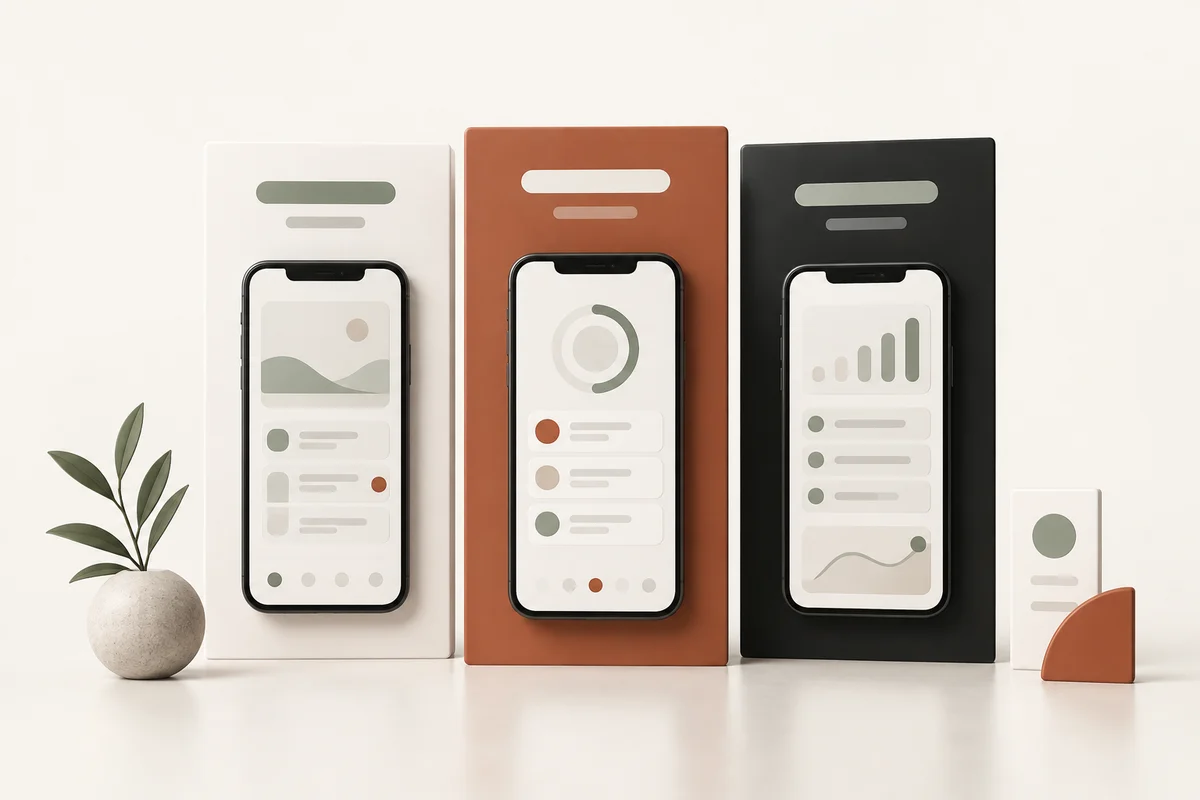
Use the same colors, typography and tone across the gallery [14]. A consistent brand builds recognition and makes your listing look more polished and purposeful.
Short captions can explain why a feature matters [15]. Replace a label such as "list screen" with a concrete task such as "Share your grocery list." The text overlays need to be brief, clear, and readable on small screens [14].
Give the interface enough contrast against the background, then check whether its key details are still clear at phone size.
Show what is useful or distinctive about the app [17]. Use an accurate feature demonstration to support each claim. Any testimonial or media mention needs permission, evidence and compliance with store rules [13].
Different markets need localized screenshots with translated captions and culturally relevant examples [14]. Have a fluent reviewer check the caption and make sure the visible app interface supports the same language.
A native store experiment can help you compare a meaningful alternative [14]. Test different designs, layouts, and messages to find what appeals most to your target users.
Conclusion
Start with a small set in the screenshot editor. Put the main task first, give each following image a purpose and keep the captions readable.
Check the dimensions, format and number of screenshots for each store before uploading. If you already design in Figma, export your frames into the free screenshot editor; AppDrift's Figma integration is in development, with a waitlist.
After checking the exported files, upload through the supported store workflow and verify the public listing. Saving a project does not submit it to the store.
Review the whole gallery at phone size. If two screens make the same point, combine them or use the space to answer another question. Keep the color, type and spacing consistent.
Revisit the gallery when the product or message changes. Test a clear alternative when you have enough traffic to learn from it. Check Free and Pro screenshot access details before choosing artwork; Free templates and Pro collections have different access requirements.
The finished gallery should let someone explain what the app does without having to read every caption.
Key Takeaways
Use these checks when reviewing the final set.
• Focus on one key feature per screenshot - Avoid cramming multiple functions into single images to prevent overwhelming potential users and improve clarity.
• Use a dedicated screenshot editor such as AppDrift - Reuse one layout across the store's device sizes and check which capture, localization and upload steps your workflow still needs. Learn more about best screenshot creation tools.
• Lead with benefit-driven captions - Replace generic screen labels with accurate task descriptions, such as "Share your grocery list."
• Maintain consistent brand identity - Use matching colors, typography, and messaging across all screenshots to build recognition and appear more professional.
• A/B test different designs regularly - Experiment with layouts, messages, and visual elements to discover what resonates best with your target audience.
Inspect the images actually visible on your target device and store surface. Put the main result early, keep captions readable and use the native testing workflow when traffic and eligibility support a meaningful comparison.
Frequently asked questions
What makes an effective screenshot campaign?
Use current app UI, one clear idea per screen, readable accurate captions and a coherent sequence. Review the actual exported files and target store presentation.
Is AppDrift screenshot editing free?
Manual editing and export of Free templates are available with a free account. Pro collections require eligible access, and AI generation or translation has separate token costs.
References
[1] - https://splitmetrics.com/blog/app-store-screenshots-aso-guide/
[2] - https://splitmetrics.com/blog/aso-mistakes-affecting-app-visibility-and-conversion-rate/
[3] - https://www.impaktfull.com/blog/screenshot-requirements-for-the-play-store-app-store
[4] - https://www.moburst.com/blog/app-screenshots/
[5] - https://stackoverflow.com/questions/7092613/take-screenshots-in-the-ios-simulator
[6] - https://gist.github.com/oguzhanvarsak/03803cf223bcfe1cf8ebd3173f7facbb
[7] - https://appscreens.com/
[8] - https://theapplaunchpad.com/
[9] - https://getpicasso.com/
[10] - https://screenshots.pro/
[11] - https://appradar.com/blog/best-app-screenshot-tools-how-to-create-app-screenshots
[12] - https://developer.apple.com/help/app-store-connect/reference/app-information/screenshot-specifications/
[13] - https://www.mobiloud.com/blog/design-app-store-screenshots
[14] - https://blog.appmysite.com/how-to-design-the-app-store-screenshots-of-your-mobile-app/
[15] - https://www.neonapps.co/blogs/how-app-store-screenshot-optimization-can-boost-your-downloads
[16] - https://appfigures.com/resources/guides/optimizing-screenshots-creatives
[17] - https://www.airtraffic.co/blog/10-essential-screenshot-tips-for-app-store-optimization/