Halo Habitat Pro
5 editable screensPearl light and lavender rings frame room controls and everyday routines.
Use Pro collectionFree app screenshot generator
Create App Store and Google Play screenshots in your own style. Upload to App Store Connect in one click after setup on a paid plan.
Design without signing up.
Free account to save and export.
Create on desktop. Explore designs on any screen.
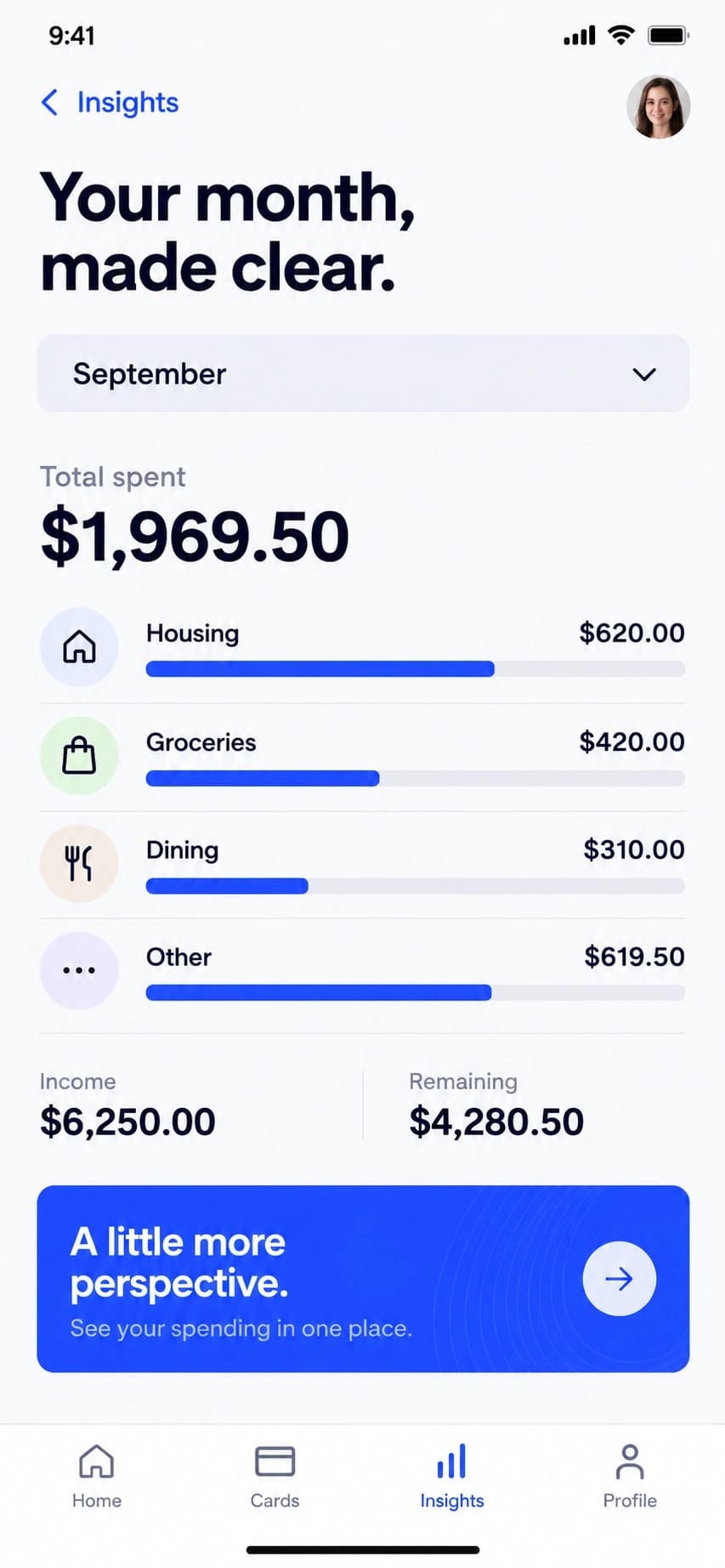
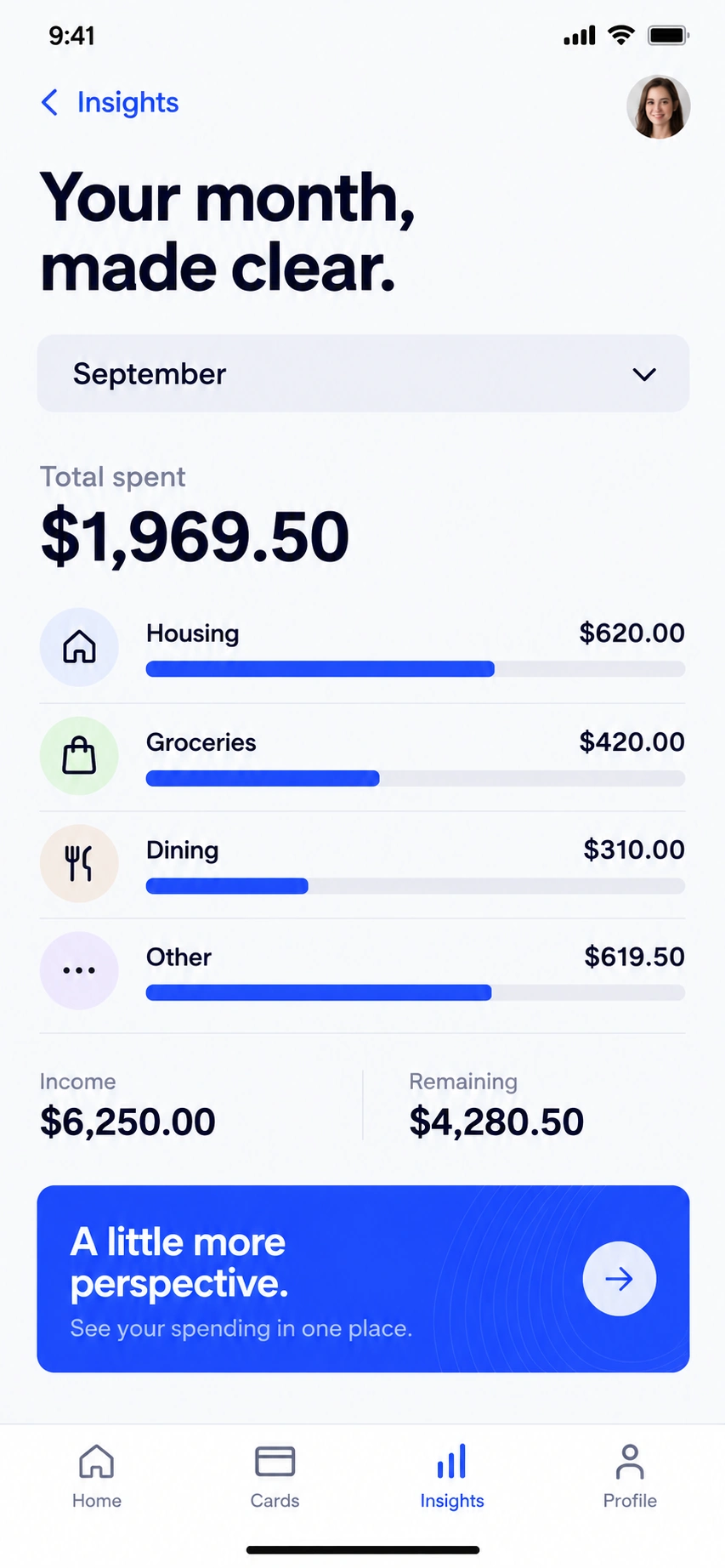
Zoom detail New
Give your best feature a closer look. Pull a chart, card or tiny control out of your screenshot and make it the focus.
In the editor, choose Create → Zoom detail.
Desktop editor · Free account to save and export.
AI screenshot generator
Add your app brief, 3–8 real screenshots and a note for each screen. AI proposes captions and story order; the generator builds editable text, shapes and device layouts around your app screens.
5 AI tokens per successful campaign · Sign in to generate.
Manual editing and export of your AI campaign are free with an account.
“A travel app for people who like to take the scenic route.”
 Your app screen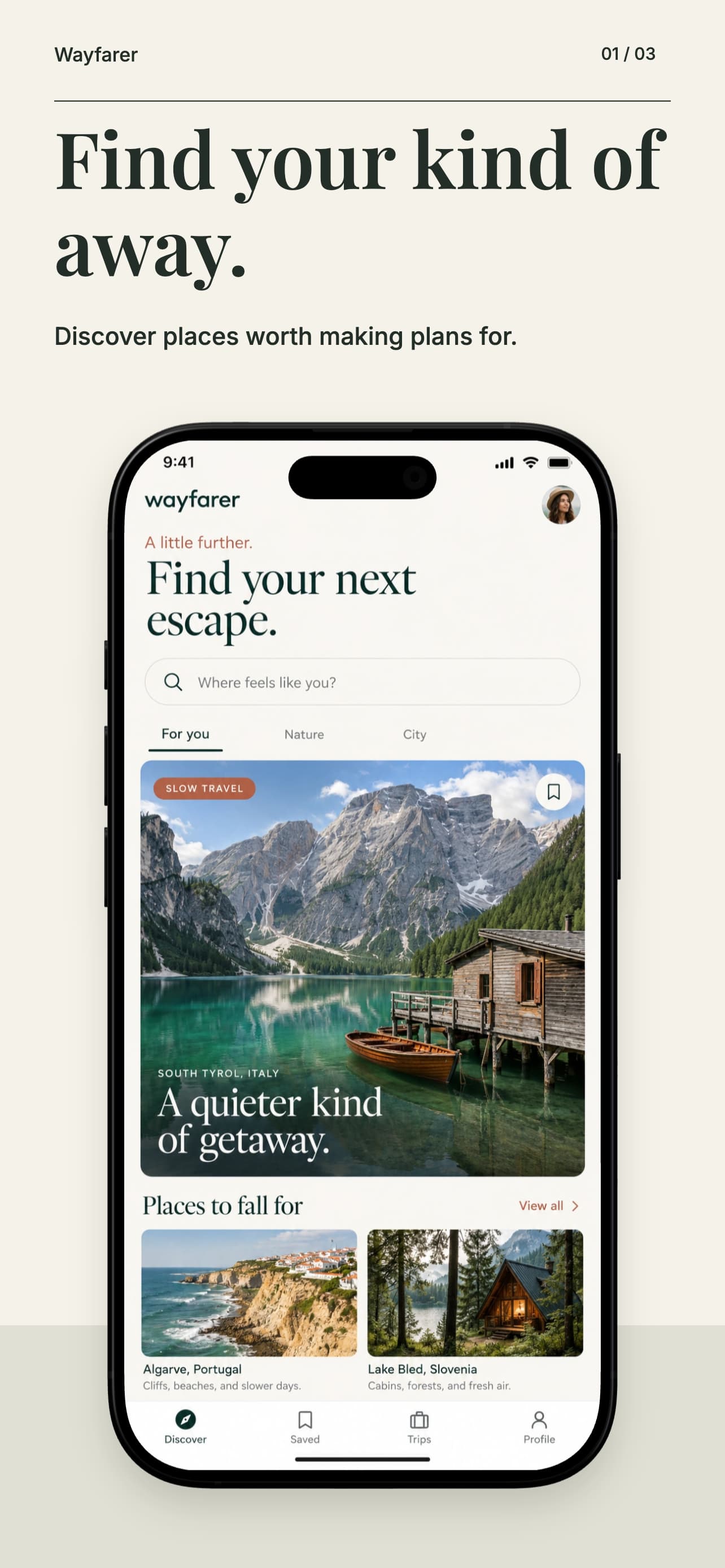
The starting point
Six standout designs. Free and Pro.
Swap in your screens and make them yours.
Swipe to explore the designs
Pearl light and lavender rings frame room controls and everyday routines.
Use Pro collectionPorcelain, cobalt and citrus bring voice notes, transcripts and next steps into focus.
Use Pro collectionAmber and coral light set the scene for forecasts and daylight details.
Use Pro collectionForest, pearl and brushed silver give budgets and savings goals a precise editorial setting.
Use Pro collectionAcid yellow and electric violet frame sequencers, waveforms and oversized mixer controls.
Use Pro collectionLiquid chrome and porcelain surfaces give your wallet a sculptural setting.
Use free templateFictional sample apps. Pro collections require Pro, Studio or Enterprise. See all templates in the editor
 Your app screen
 Your store screenshot
From screen to storefront
Start with an editable template or a blank canvas. Each screen is yours to change.
Replace the sample screens. Write your captions, choose your fonts, and match your colors.
Preview your device sizes, then export together in a ZIP. Free account required. No watermarks.
Ready for your listing
Preview every layout before exporting. These are a few of the phone and tablet presets available in the editor.
Edit the captions yourself, or translate the whole set for 1 AI token per target language. Review the wording and layout before export.
Before you start
The editor is free to try. A free account lets you save your work and export your screenshots.
Yes. Designing and exporting with free templates has no watermarks and requires no paid plan. You can try the editor without signing up; saving or exporting requires a free account. Collections marked Pro are available on Pro, Studio and Enterprise.
Yes. The AI screenshot generator turns your app brief and notes about 3–8 real app screens into an ordered story with editable captions and layouts. Sign in to generate for 5 AI tokens per successful campaign. You can review on a phone and save the campaign to your free account, then reopen that project on desktop to finish and export. Browser drafts stay on their original device until saved to your account. Manual editing and exports do not use tokens.
Yes. Choose Create → Zoom detail in the desktop editor, select your screenshot and pick the area to highlight. Use a card, circle, wide strip or square with 1–8× magnification, then adjust its border, shadow and placement. The detail stays editable as a separate image layer. A free account is required to save or export.
The editor includes presets for iPhone, iPad and Android phones and tablets. Choose your target sizes in the export dialog and preview each layout before downloading.
Yes. Select your device sizes and languages, then download the screenshot set together in a ZIP file. Check text wrapping and device placement in each size before exporting.
Yes. On a paid plan, save your project and connect your iOS app with a draft version. Choose your app and device sizes, then upload the screenshot set to App Store Connect in one click. This replaces the selected draft screenshot sets; it does not submit or publish your app. For Google Play, export the set and upload it manually in Play Console.
The screenshot editor requires a desktop or laptop. You can browse this page on mobile, then open the editor on a larger screen to create your screenshots.
You can edit captions for each language yourself. AI translation costs one token per target language for the whole design set. Review the translated captions and layout before exporting. A paid plan is not required if your account has enough tokens.
Your next update
Free editing and export. No watermarks.