
Halo Habitat
Pro collection · 5 screens
Real app screens. Editable designs.
Turn 3–8 real app screens into a complete store screenshot campaign. Describe your app and each screen; AI drafts the captions and story order. Edit the text, colors and device layouts, then export without watermarks.
50 signup tokens · No card required · 5 tokens per AI campaign
Sign in to generate. Edit and export free with an account; Pro collections have separate access.
13,000+ screenshots exported with AppDrift · 4,500+ developers have signed up
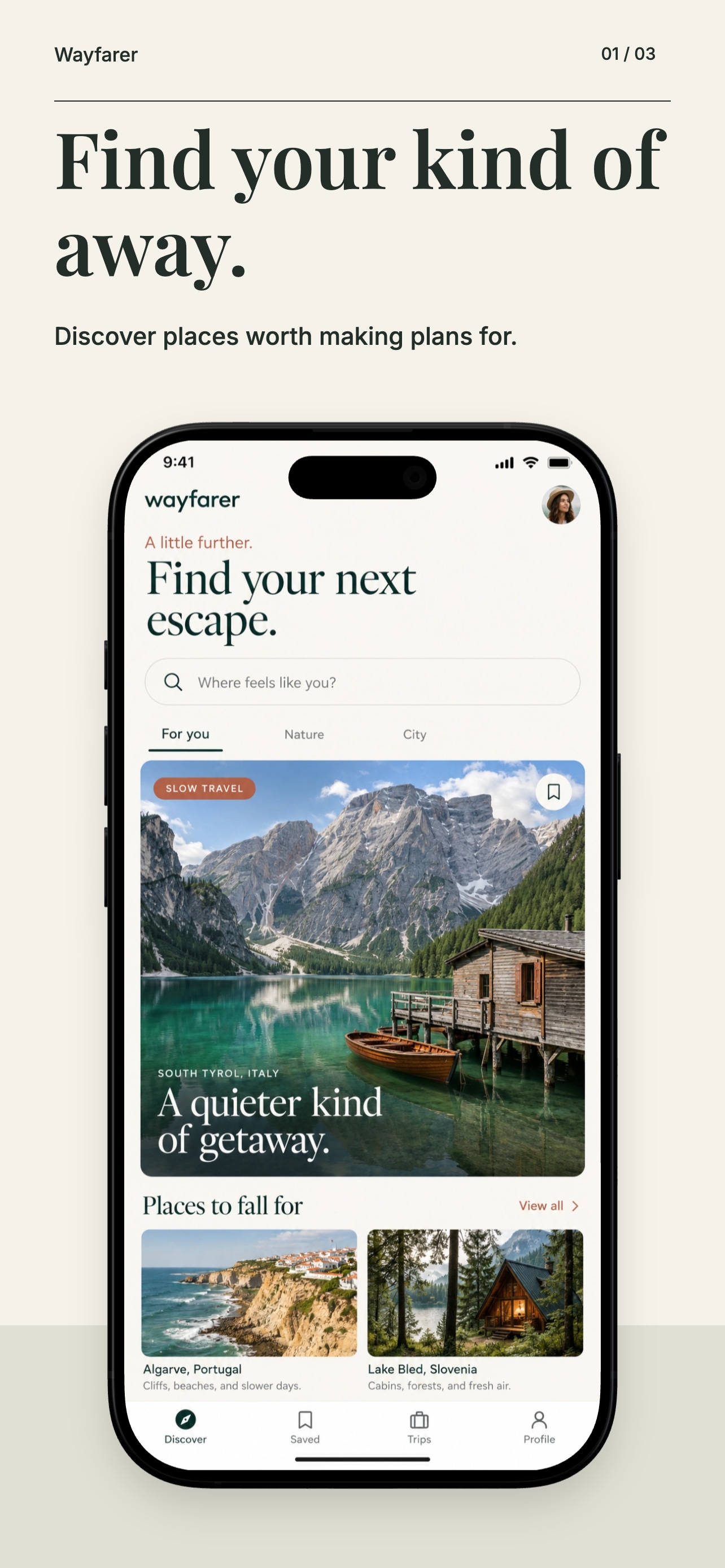
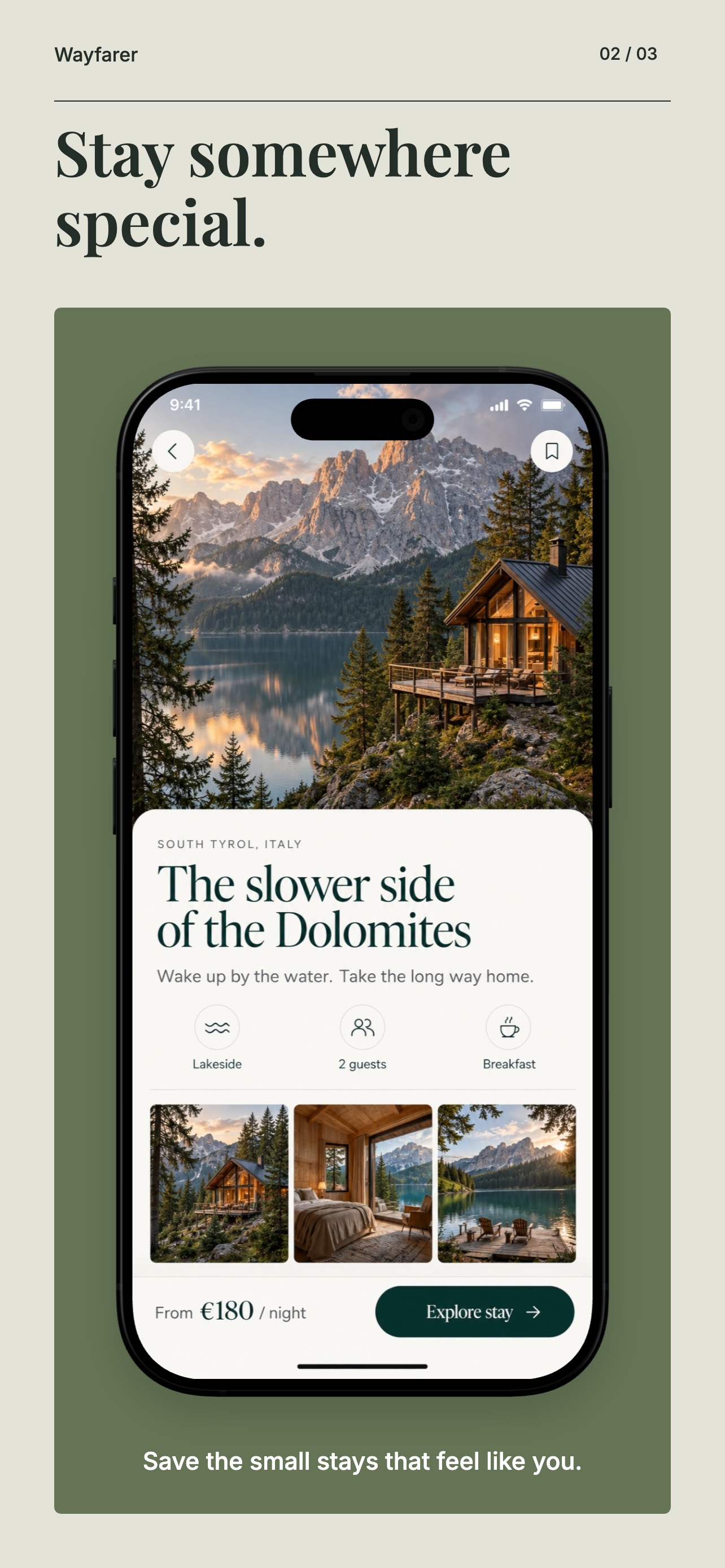
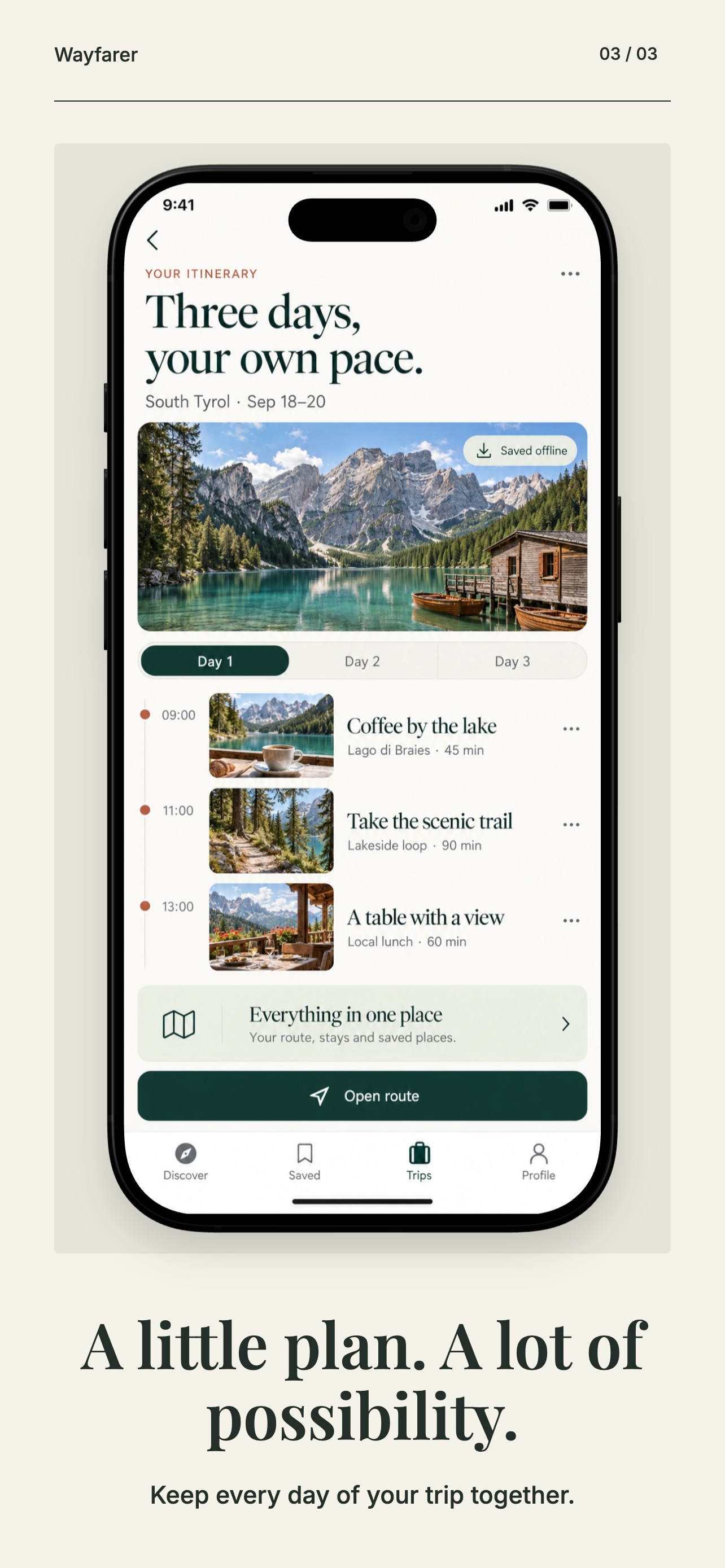
Prefer a ready-made design? Preview every screen in these Free and Pro collections. No signup needed.
Scroll to explore the collections
Pro collection · 5 screens

Pro collection · 5 screens

Pro collection · 5 screens

Pro collection · 5 screens

Pro collection · 5 screens

Free template · 5 screens
Fictional sample apps. Free account to save and export Free templates. Pro collections require Indie, Studio, Enterprise or an existing Pro plan. Eligible Indie trials include collection access.
From your app to its next release
Add 3–8 app screens. Describe your audience and what each screen helps them do. Pick your style, language and brand color.
AI drafts short captions and a suggested order from your notes. Review the promise, the features and the sequence before opening the design.
Move a phone. Rewrite a headline. Change a color. Preview the device sizes, then export the set together without watermarks.
 Original app screen
Real app. Editable design.
The AI works from your brief and screen notes. Your uploaded interface stays an image, so the controls, charts and details people see are the ones you supplied.
From our own database
Counted on September 23, 2026.
“AppDrift helped us build our screenshots and ASO optimization. Great product.”
“As an indie developer, AppDrift was really helpful. ASO is a real headache and this app solves it!”
Made by AppDrift LLC, founded in 2025. Ask anything before you start at support@appdrift.co.
Who builds AppDriftChoosing a screenshot tool
Plenty of tools frame your screens, and several now suggest captions. These four questions tell them apart for store screenshots.
AppDrift is our product. The comparison says what we checked, and when.
Both stores ask for it. Apple says screenshots “should show the app in use.” Google Play says they “must demonstrate the actual in-app or in-game experience.” AppDrift places the screens you upload as images, and the AI writes only the words around them. A general image generator that draws the whole picture can invent screens and buttons your app does not have.
Each campaign opens in the editor as real text, shapes and device frames. Move a phone, rewrite a headline or change the colors, then export the sizes you need. Nothing is flattened into a single picture.
A free account includes 50 AI tokens and needs no card: enough for 10 campaigns at 5 tokens each. Editing and watermark-free exports use no tokens. AI campaigns do not require a subscription; after the free tokens, 100 more cost $1.99 once.
A screenshot tool gives you the images. AppDrift keeps them next to the rest of your listing: keyword rank tracking, listing drafts and translation, and on paid plans screenshot uploads to App Store Connect.
Built for what comes next
Translate editable captions for 1 AI token per target language. Replace app images with localized captures and review text wrapping before export.
Explore sizes & translationSave your editable project for your next release. Paid plans add batch screenshot refresh and one-click uploads to App Store Connect after setup. Your first subscription payment has a 30-day money-back guarantee.
Compare plansPrefer to build it yourself? Start with a free template or a blank canvas. Manual editing and exports do not spend AI tokens.
Explore the free editorBefore you create
You bring the app. AI helps shape the story. You review the result.
It turns your app brief and notes about 3–8 app screens into an ordered screenshot story with headlines and supporting copy. AppDrift builds that story into editable artboards with your original screen images, device frames, text and shapes. You review the story and finish the design in the editor.
Your uploaded app screens stay intact as images. The AI works from your written brief and screen notes; it does not receive your screen images. Explain what each screen does, then check every suggested caption against your app before exporting.
A free account includes 50 signup tokens, with no card required. One successful campaign of 3–8 screenshots costs 5 AI tokens, so that allowance covers up to 10 campaigns if used only for generation. Manual editing and watermark-free exports cost no tokens; saving and exporting require an account. After the allowance, you can buy a token pack or choose a paid plan; the first subscription payment has a 30-day money-back guarantee. Pro template collections have separate access requirements.
Use AI generation when you want help turning your app brief and screen notes into captions, a sequence and an editable layout. Use the free editor when you already have a design in mind and want to arrange your screens yourself with a Free template or blank canvas. Manual editing and watermark-free exports use no tokens and require an account to save or export; an AI campaign costs 5 tokens.
Your uploaded screens stay intact as images and the AI writes only the captions and their order. The campaign stays editable as text, shapes and device frames. The same account covers keyword tracking and your listing text, and a campaign costs 5 of your 50 free tokens. If your main job is large localized sets uploaded straight to both stores, compare dedicated screenshot tools as well: our comparison of 11 screenshot tools on the AppDrift blog lists what each offers and when we checked.
Yes. Review and edit the story, then open the desktop editor to change captions, fonts, colors, device placement and screenshot images. The app UI inside each phone remains a replaceable image. You can save the project and keep editing later.
Yes. Preview the featured Free and Pro collections on this page without an account, including all five screens and enlarged views. Free templates can be tried in the desktop editor; a free account is required to save and export. Using Pro collections requires Indie, Studio or Enterprise.
Choose iOS or Android when you prepare the campaign. In the editor, preview the available phone and tablet sizes and select your export sizes. Check the layout and the current requirements for your store and device before submission. Generation does not publish anything to a store.
Yes. The generated captions are editable text. In the editor, edit each language yourself or translate the design set for 1 AI token per target language. Text inside your app screen images stays unchanged; upload localized app captures for those screens. Review every language before export.
Yes. Prepare the brief, review your campaign and choose Save to account on your phone. Sign in with the same free account on a desktop to reopen the saved project, finish the design and export. A browser draft stays on its original device until you save it to your account. You can also explore the labeled sample without spending AI tokens.
AppDrift LLC, founded in 2025 and run by its founder. 4,500+ developers have signed up as of September 23, 2026. Questions go to support@appdrift.co, and the About page explains how we work.
Start with your app screens. Leave with a story you can edit.
Finish and export in the desktop editor.
Ari by AppDrift
Ari can guide you from an idea to a template or AI campaign, then help you add your real app captures. Finish the layout and captions in the screenshot editor.
Ari is included with paid Basic, Indie and Studio.
Meet Ari