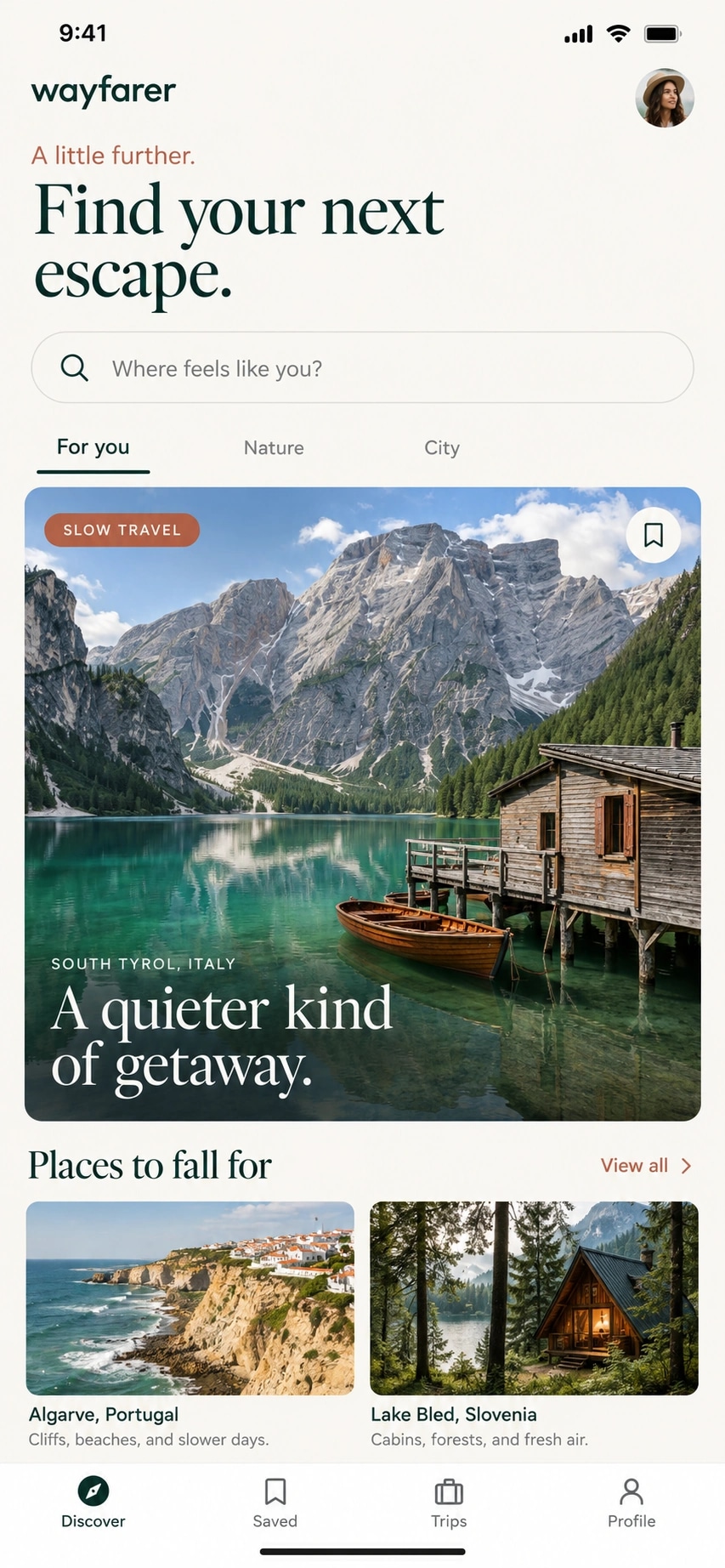
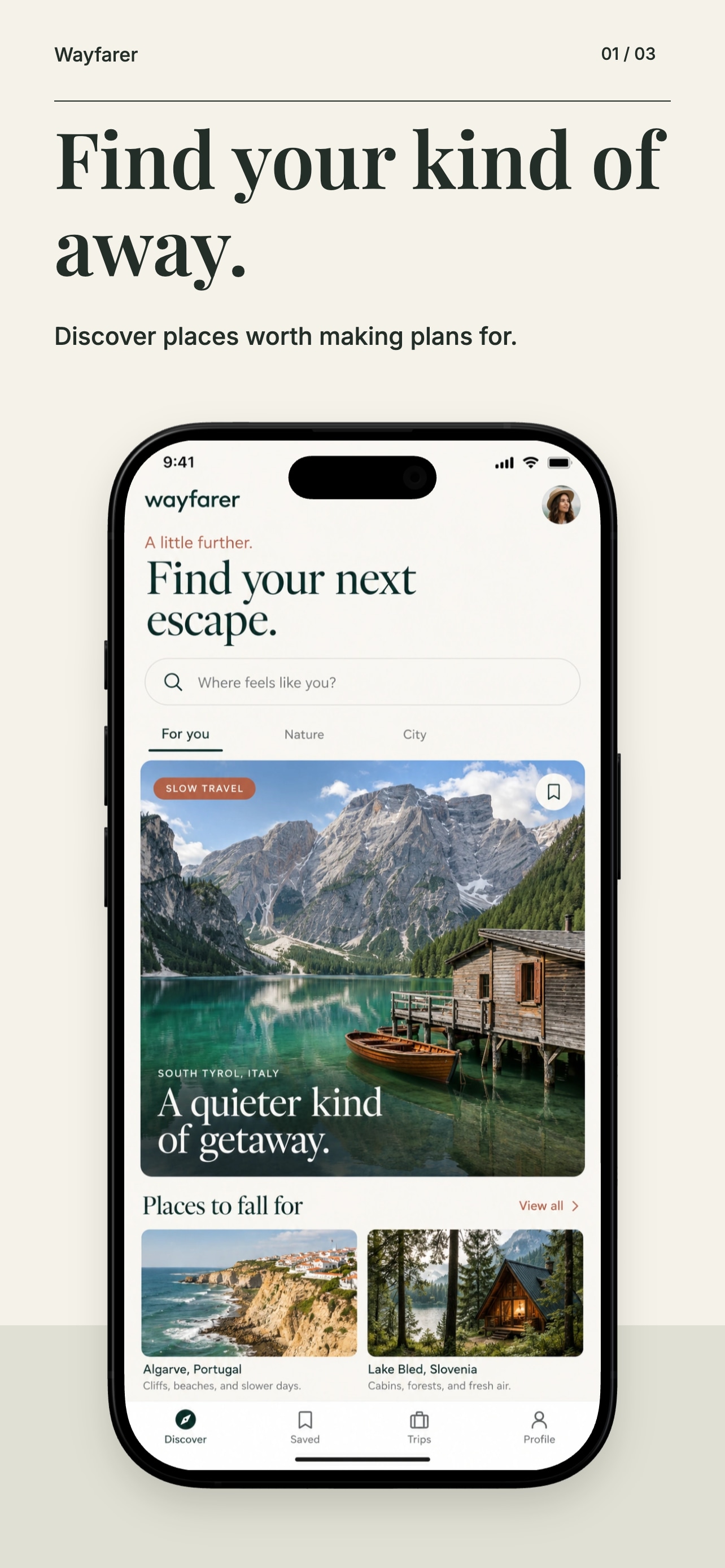
Add your app brief, 3–8 real screenshots and a note for each screen. AI proposes captions and story order; the generator builds editable text, shapes and device layouts around your app screens.
5 AI tokens per successful campaign · Sign in to generate. Manual editing and export of your AI campaign are free with an account.
The brief
“A travel app for people who like to take the scenic route.”
Your app screen
Editable design
Fictional Wayfarer app · Generator sample with example copy
For every update after the first
Create it. Review it. Keep learning.
Keep the decisions, translations and checks for each app in one place. Start with free creation tools; add the ongoing workflows as you need them. Compare plan access.
01
Know what to work on.
Turn keyword, listing and competitor signals into a prioritized Action Plan. Check off the work you choose to do.
Run A/B metadata comparisons across successive periods. Apply each version yourself, then compare tracked keyword rankings. Observational results help you decide what to investigate next.
Add 1 app, track 5 keywords, and use 50 one-time AI tokens to try AI screenshot campaigns, metadata generation or translation. Manual screenshot editing and exports are free with an account. The free plan has no monthly charge and needs no credit card.
Do I need to connect my store account first?
No. Start with your app’s public App Store or Google Play link. Connect App Store Connect or Google Play later if you want to publish changes. Full Apple Search Performance reports need an App Store Connect connection and a paid plan.
Can I review the AI writing before it goes live?
Yes. Generated copy and translations are drafts you can edit. Review the wording, check the store limits, and choose when to publish. You can also use your own copy.
Which stores and languages are supported?
AppDrift supports the Apple App Store and Google Play, with metadata translation into 60+ languages. The available languages and listing fields depend on the store.
Will this guarantee more downloads?
No. Rankings and downloads depend on your app, market, competition, and store behavior. AppDrift helps you research keywords, update your listing, and track what changes. An ASO score is a listing checklist, not a download forecast.
How does A/B testing work in AppDrift?
Compare two metadata versions over successive tracking periods. You apply each version to your store yourself, then record when its phase starts. AppDrift compares tracked keyword rankings; this is an observational comparison, not a randomized conversion experiment. Run Apple or Google native experiments in their store consoles and record their results separately in Listing updates.
When would I need a paid plan?
Paid plans add more apps and keywords, A/B metadata comparisons, store publishing and the full Action Plan. They also support repeat updates with approved wording, batch screenshot refresh, private client reviews and store report comparisons. Pro screenshot collections have a separate plan requirement. See pricing for access, limits and AI token costs.
Start with one app. See where it stands.
Track 5 keywords for free. No store connection or credit card needed to start.